 June 16, 2026
Are you a starting point for brands or do you want to build a strong online community from the ground up? No matter what you’re into the visual storefront you create on day one determines how long people stay. If you want to turn browsers into loyal fans this guide breaks down what you need to know about choosing a logo maker for YouTube channels.
- Why Your YouTube Channel Needs a Brand
YouTube is like a search engine, not just a video folder. When someone finds your video they form an opinion about your content in a split second. A generic profile icon says your content is not important. A strong brand kit says you’re a creator worth subscribing to.
The Core of YouTube Channel Art
To build a storefront you need a brand identity that works in three key areas:
- Channel Profile Logo: Your logo. It appears next to every comment you make on every search result page and under every video you upload. It needs to be clean, sharp and readable on small mobile screens.
- Hero Channel Banner: Your billboard . It sets the mood shows your content schedule and displays your slogan on desktop and mobile.
- Thumbnail Watermarks: branding marks that help your audience recognize your videos in a crowded grid.
Choosing the Right Logo Maker
You don’t need a budget to create a great visual identity. Modern cloud apps let you make vector graphics instantly. When choosing a platform to build your logo make sure it does these things:
┌────────────────────────────────────────────────────────┐
│ IDEAL LOGO MAKER CHECKLIST │
├────────────────────────────────────────────────────────┤
│ ✓ Outputs High-Res Transparent PNGs (Min 98×98 px) │
│ ✓ Provides Vector Graphics (SVG Format) │
│ ✓ Includes Pre-Built Niche Templates │
│ ✓ Supports Custom Font and HEX Color Matching │
└───────────────────────────────────────────────────────┘
Logo Design Rules
- Keep it Simple: Avoid illustrations that become blurry on small screens. Stick to one icon or simple typography.
- Strict Color Contrast: Use 2-3 complementary colors maximum. High contrast (like text on dark backgrounds) makes it pop in dark mode.
- Test the Mini Scale: Zoom out to 10% size on your screen. If you can’t make out the shape or letters simplify your design.
Branding in Gardening
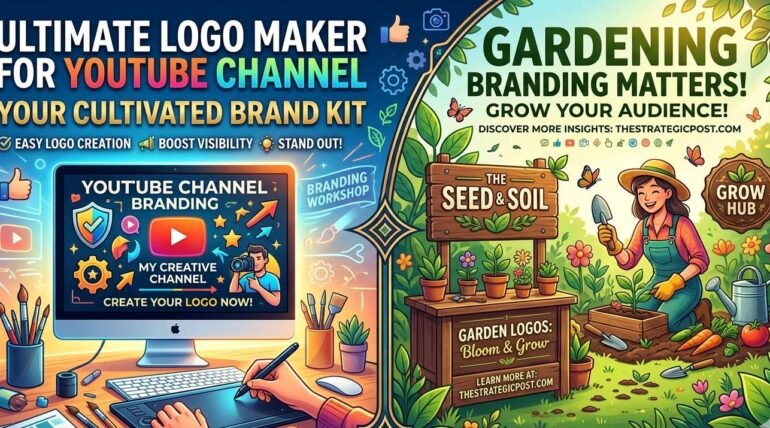
Branding is not just for tech or beauty channels. It’s key for niche lifestyle content like gardening. Gardening is about trust, patience and expertise. Your visual brand should reflect this.
- The Visual Ecosystem: If your channel is about gardening a sleek corporate logo doesn’t fit. Instead use earth tones, rustic typography or botanical line art that signals growth.
- Seeding an Audience: Consistent thumbnail art builds patterns that your community relies on.
If you love gardening check out some guides at The Strategic Post for insights on strategies and environmental analysis.
Streamlining Your Workflow
Great visuals mean nothing if your asset management’s messy. Use web utilities to keep your files optimized.
The Ultimate Creator Toolbox
For lightweight asset management, in your browser try these free processing hubs:
- Document Management: Use ILovePDF3 to compress, merge and organize your PDFs.
- Media Processing: Use Tool2Mate Directory to search new tools online.
By pairing a branding strategy with smart browser tools you eliminate production friction and focus on creating high-retention stories and building a community that values your unique voice.